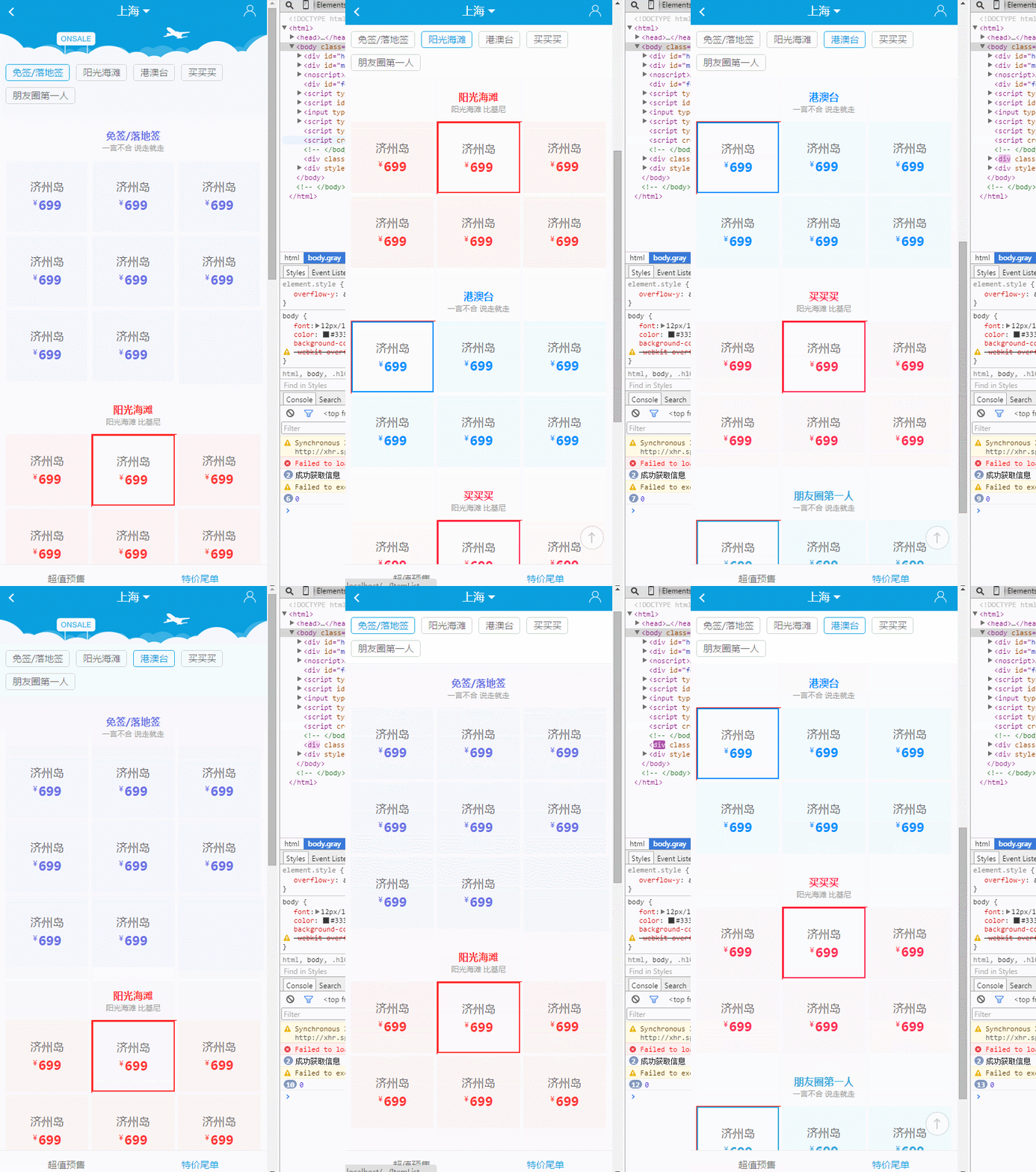
后台可以管理

我终于整明白了

我把代码分享出来

输入表单替换html代码
<select name="gqtime" id="gqtime">
<option value="<?echo date("Y-m-d",strtotime("+7day")); ?>"> 7天后过期</option>
<option value="<?echo date("Y-m-d",strtotime("+1month")); ?>">一个月后过期</option>
<option value="<?echo date("Y-m-d",strtotime("+3month")); ?>">三个月后过期</option>
<option value="<?echo date("Y-m-d",strtotime("+6month")); ?>">六个月后过期</option>
<option value="<?echo date("Y-m-d",strtotime("+20year")); ?>">长期有效</option>
</select>

投稿表单替换html代码
<select name="gqtime" id="gqtime">
<option value="<?echo date("Y-m-d",strtotime("+7day")); ?><?=DoReqValue($tbname,'gqtime',stripSlashes($r[gqtime]))?>">7天后过期</option>
<option value="<?echo date("Y-m-d",strtotime("+1month")); ?><?=DoReqValue($tbname,'gqtime',stripSlashes($r[gqtime]))?>">一个月后过期</option>
<option value="<?echo date("Y-m-d",strtotime("+3month")); ?><?=DoReqValue($tbname,'gqtime',stripSlashes($r[gqtime]))?>"selected>三个月后过期</option>
<option value="<?echo date("Y-m-d",strtotime("+6month")); ?><?=DoReqValue($tbname,'gqtime',stripSlashes($r[gqtime]))?>">六个月后过期</option>
<option value="<?echo date("Y-m-d",strtotime("+20year")); ?><?=DoReqValue($tbname,'gqtime',stripSlashes($r[gqtime]))?>">长期有效</option>
</select>

这样就OK了
第二步:打开e/class/connect.php文件,找到 //栏目链接。在其上面一行加入如下代码:
//时间
        $odate = round(((strtotime($r[gqtime])-strtotime(date('Y-m-d')))/86400),0);
         if ($odate>0)
                 {
                 $diffTime = ''; //
                 }
         else if ($odate==0)
                 {
                 $diffTime = '今天到期 ';
                 }
         else
                  {
                 $diffTime = '<span class="expire">已过期</span> ';
                 }
        $listtemp = str_replace ('[!--diffTime--]', $diffTime, $listtemp);
第三步:信息调用:
列表页调用:[!--diffTime--]
内容页引用JS:
<script language="javascript" src="images/date.js"></script>
在需要显示的地方调用:
<script>check_tdate('[!--gqtime--]')</script>
date.js 文件代码如下:
// JavaScript Document
function check_tdate(odate){
var checkArray= new Array() ;
//nowArray    = odate.split(" ");
checkArray    = odate.split("-");
checkDate   = new  Date(checkArray[0],checkArray[1],checkArray[2]);

var nowTime   = new Date();// 现在时间
var the_year  = nowTime.getYear();
var the_month = nowTime.getMonth() + 1;
var the_day   = nowTime.getDate();
nowTime    = new  Date(the_year,the_month,the_day);

var thesecond = 24 * 60 * 60 *1000 ;
var diffTime  = (nowTime - checkDate)/thesecond;//计算天数
if (diffTime>0)
{
myreturn ="<div style='position:absolute;z-index:100;margin-left:150px;'><img src=../../../images/guoqi.gif></div>";
}
else if (diffTime==0)
{
myreturn = '';
}
else
  {
diffTime=0-diffTime;
myreturn = '';
}
//alert(myreturn);
document.write(''+myreturn+'')
}